01
Explore art near you
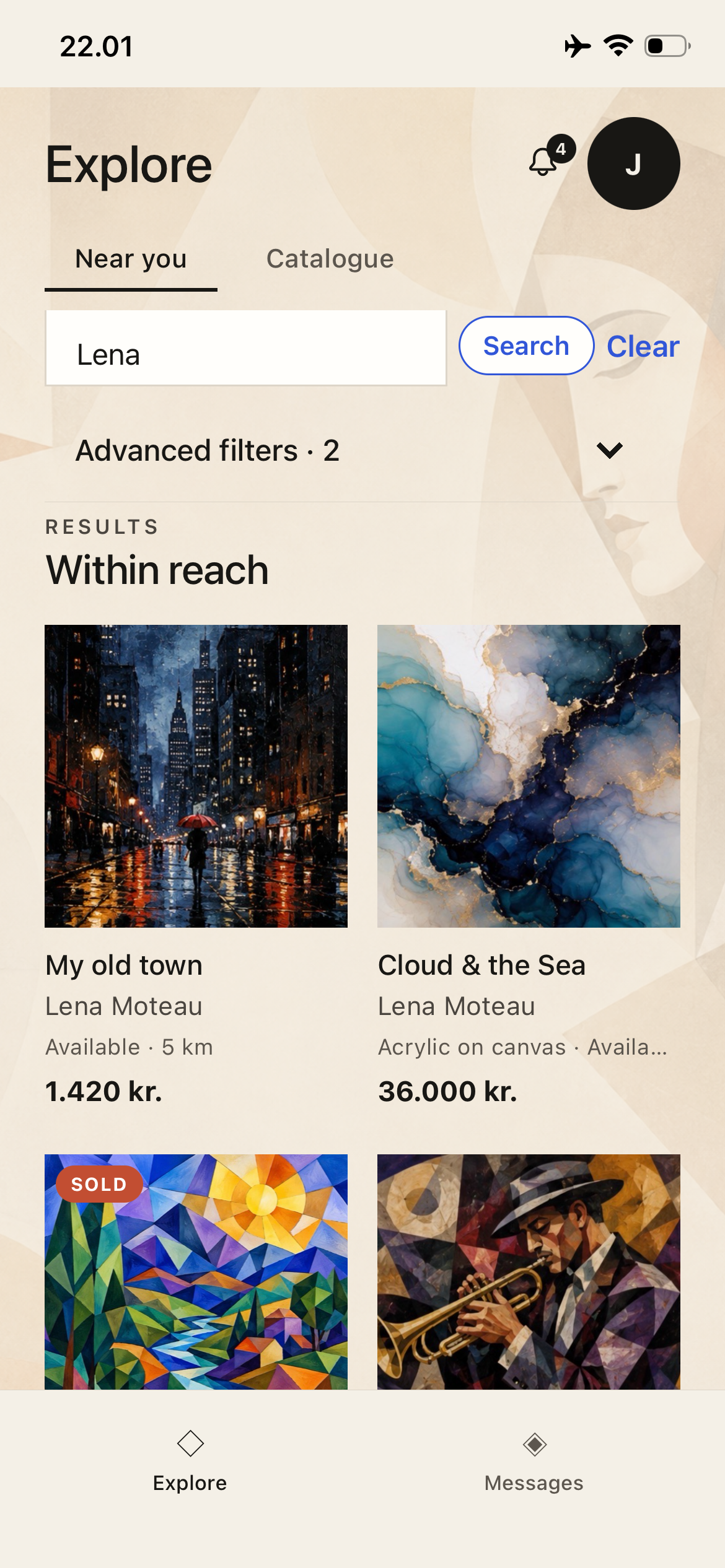
Open Explore and use Near you to discover artworks around your current area. Search by artist or artwork and use advanced filters when you want to narrow the results.
The basics for discovering and collecting art, publishing your work, and running exhibitions as a Place. ARZHANG is designed so most actions can be understood directly in the app.
Use location or Intelligence search to discover work, then connect directly with the artist when you find something you want to collect.
Open Explore and use Near you to discover artworks around your current area. Search by artist or artwork and use advanced filters when you want to narrow the results.
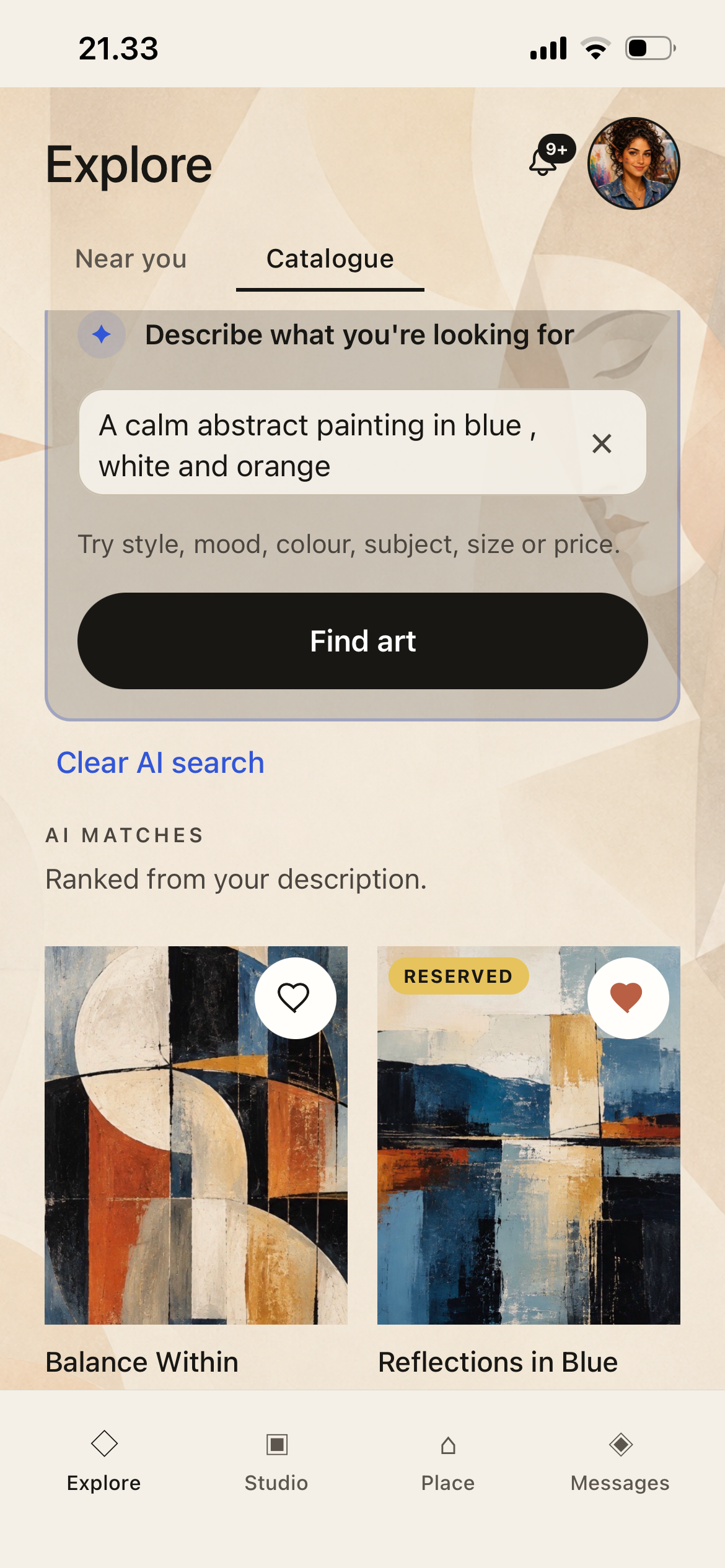
In Catalogue, describe what you are looking for in normal language — for example a mood, colour, subject or style. ARZHANG ranks relevant artwork from your description.
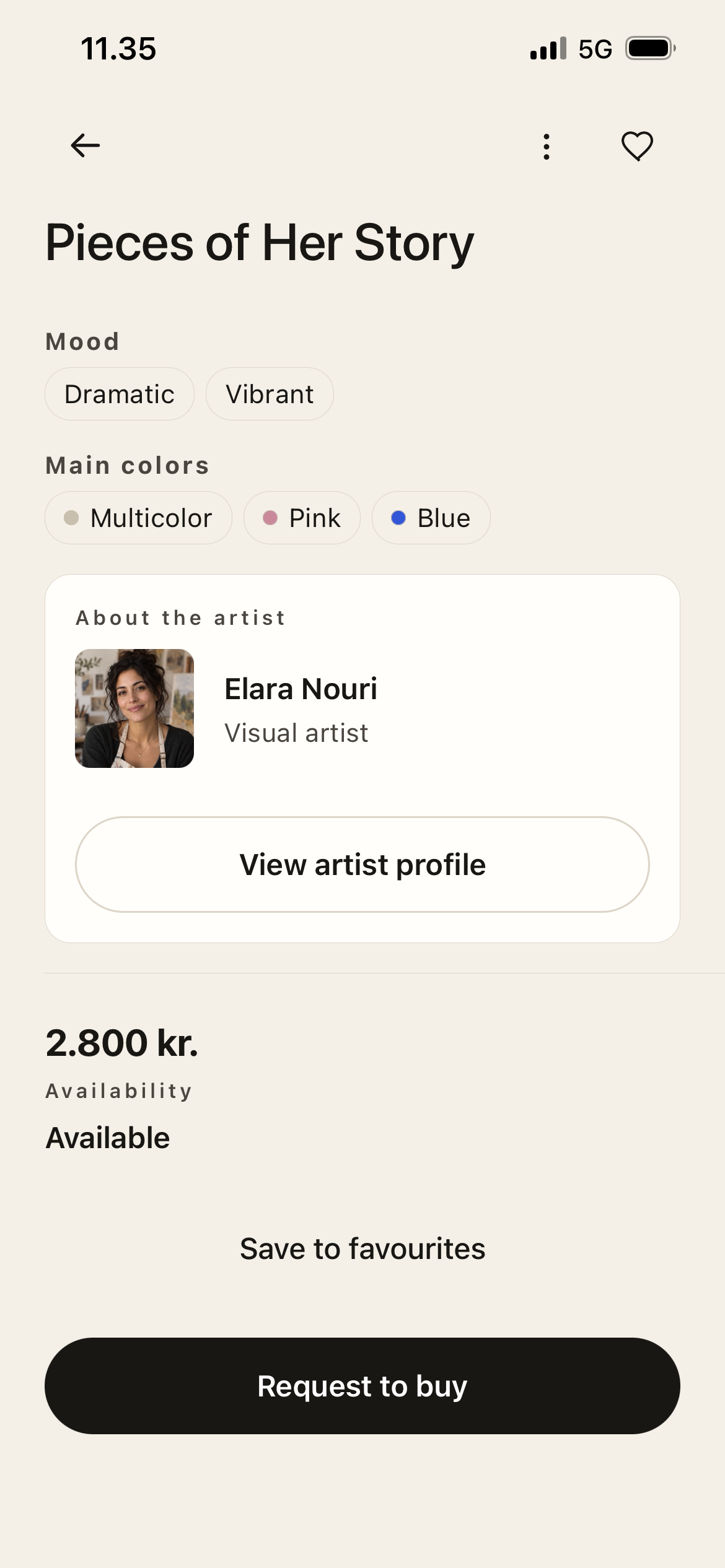
Open an available artwork, review its details and artist profile, then choose Request to buy. This starts a purchase request with the artist; ARZHANG does not process the artwork payment.
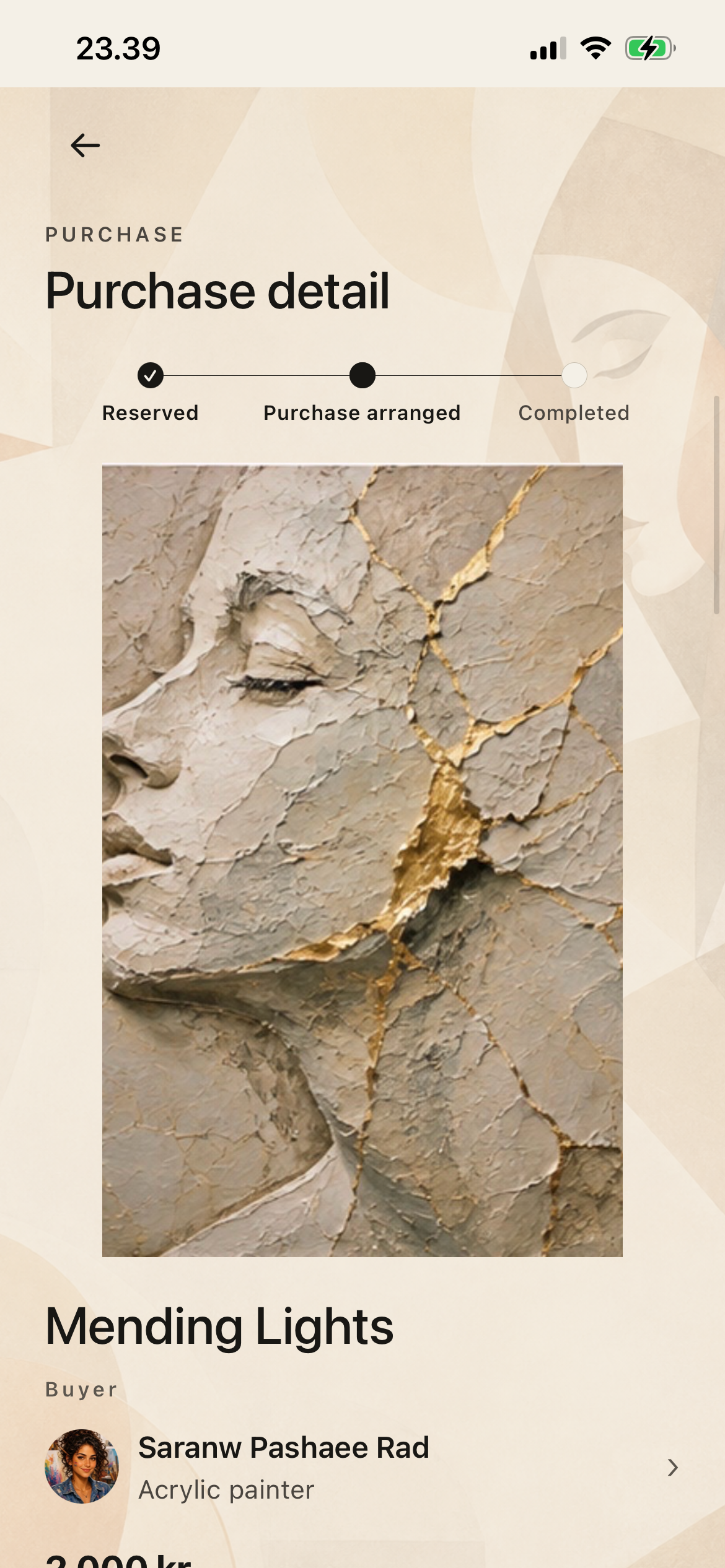
Use Purchase detail to follow the request from reservation through purchase arrangement and completion. Coordinate payment, collection or delivery directly with the artist.
Studio is the home for your artist profile, artworks, purchase requests and exhibition activity.
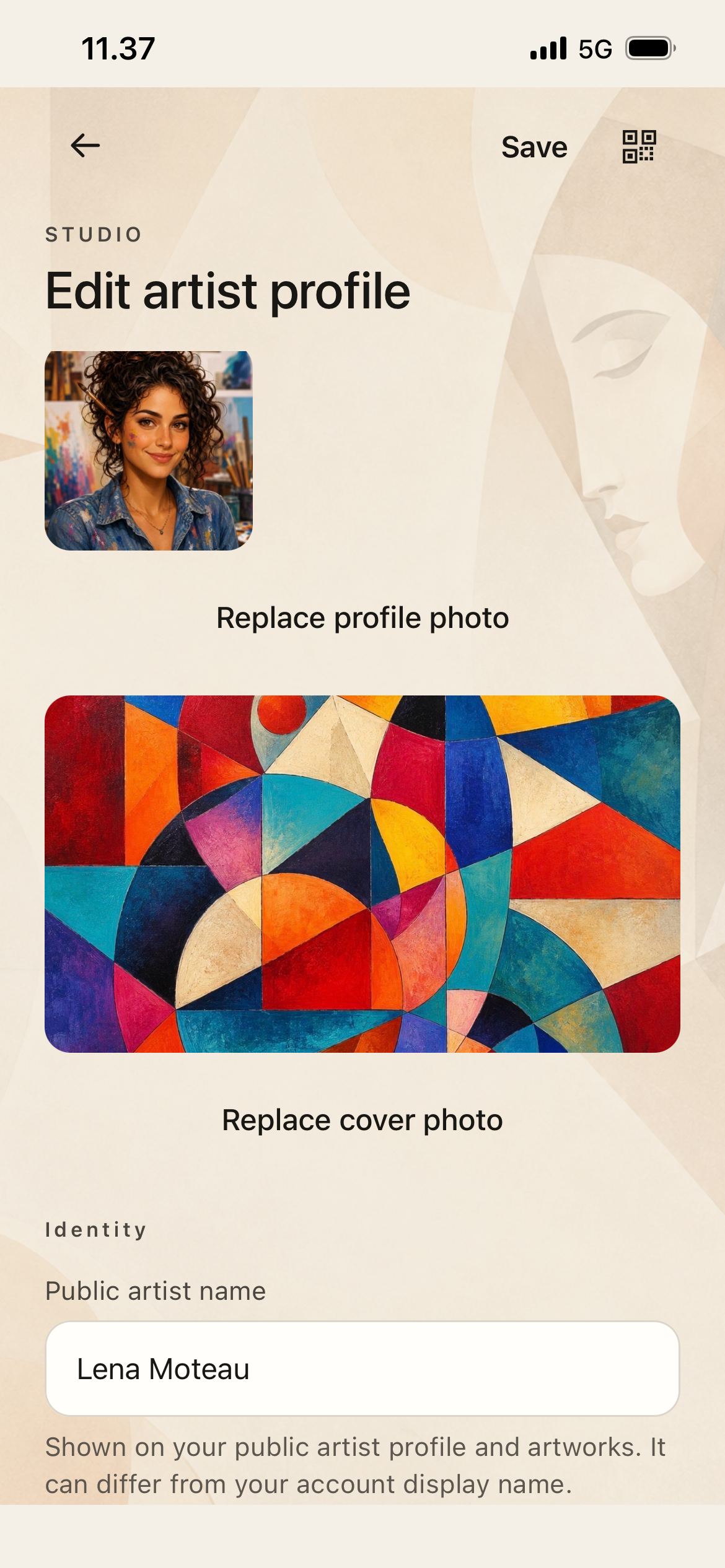
Create or edit your artist identity, profile and cover images, public artist name, biography and other details. Your public profile is what collectors and Places see.
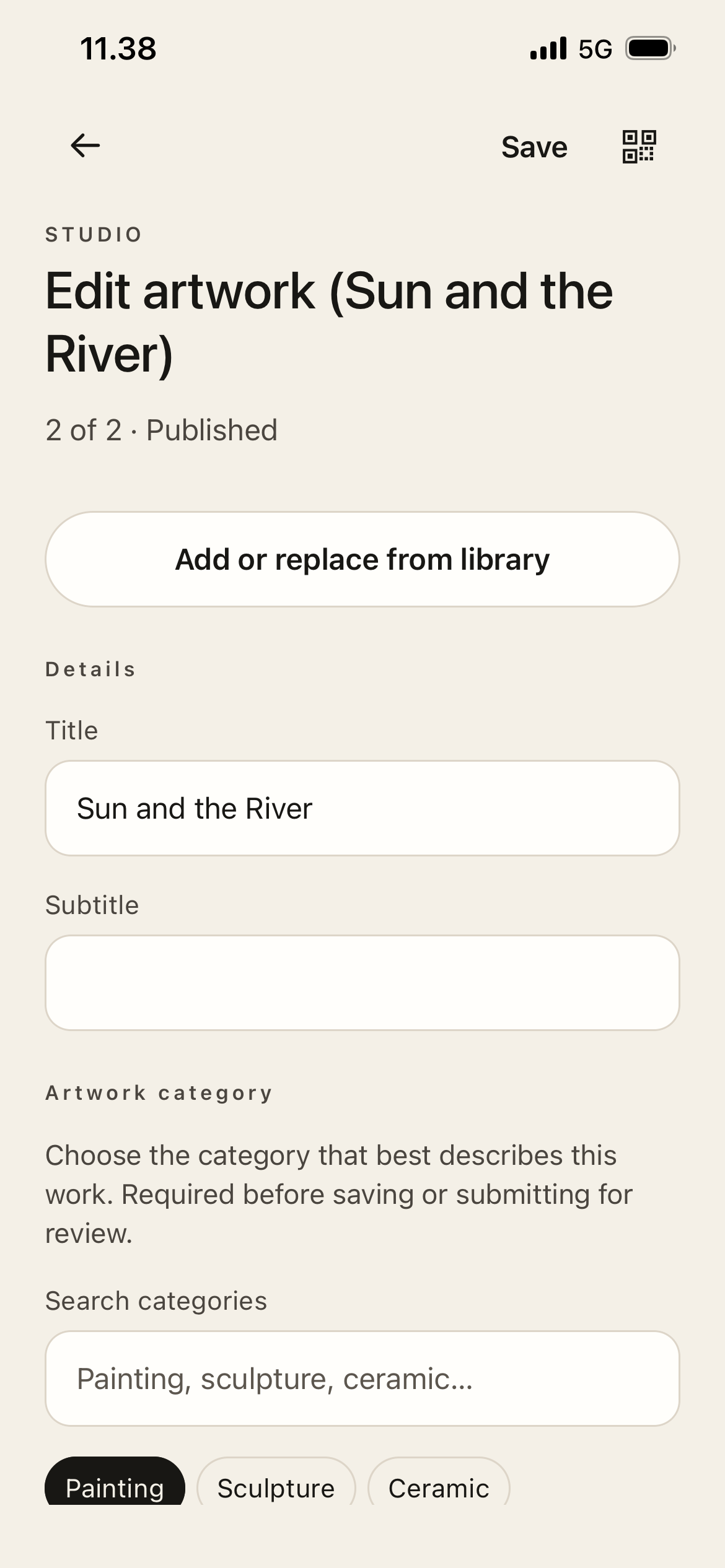
From Studio, add or edit artwork details such as title, category, images, dimensions, framing, price, currency and availability. Published work becomes eligible for discovery.
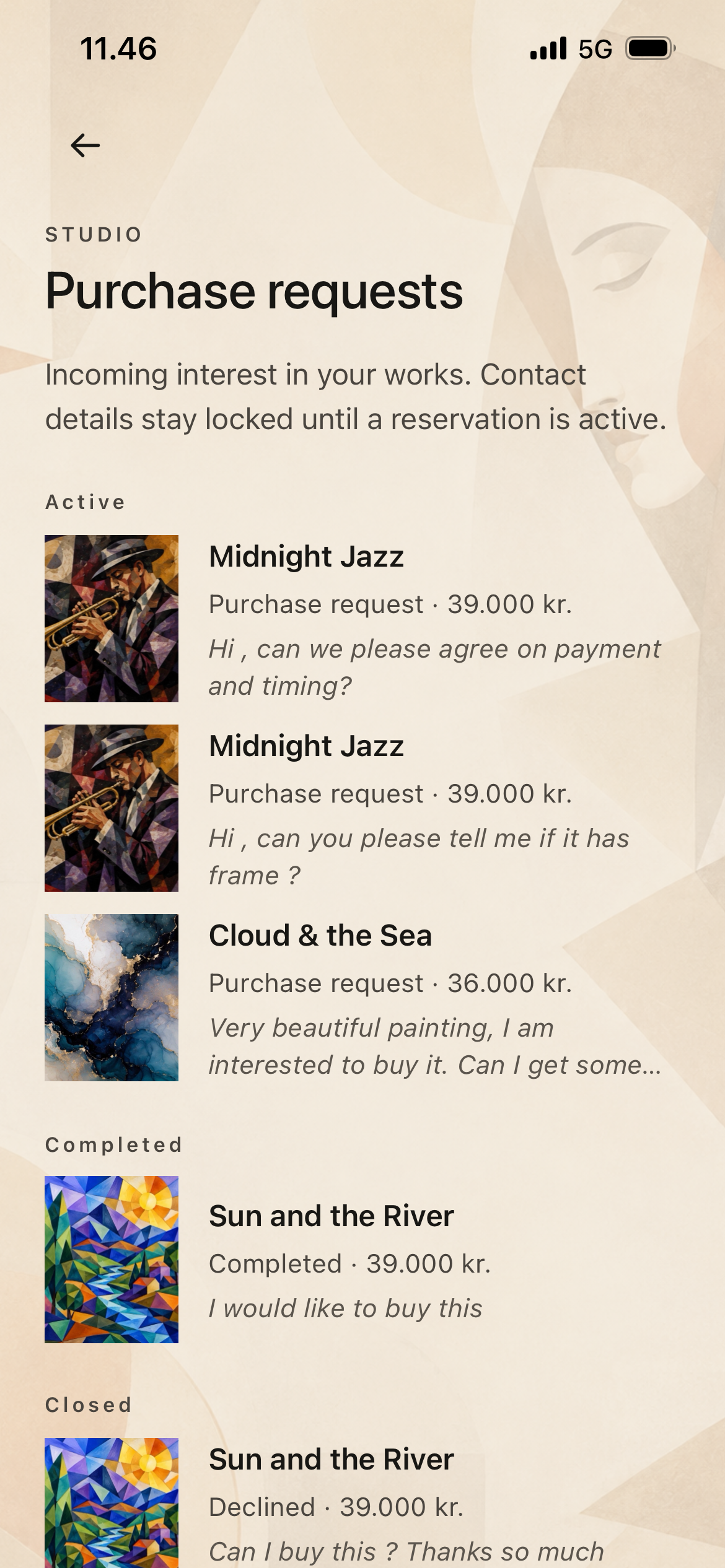
Studio keeps incoming purchase interest together. Open a request to review the buyer message, accept or decline where appropriate, and continue the purchase flow.
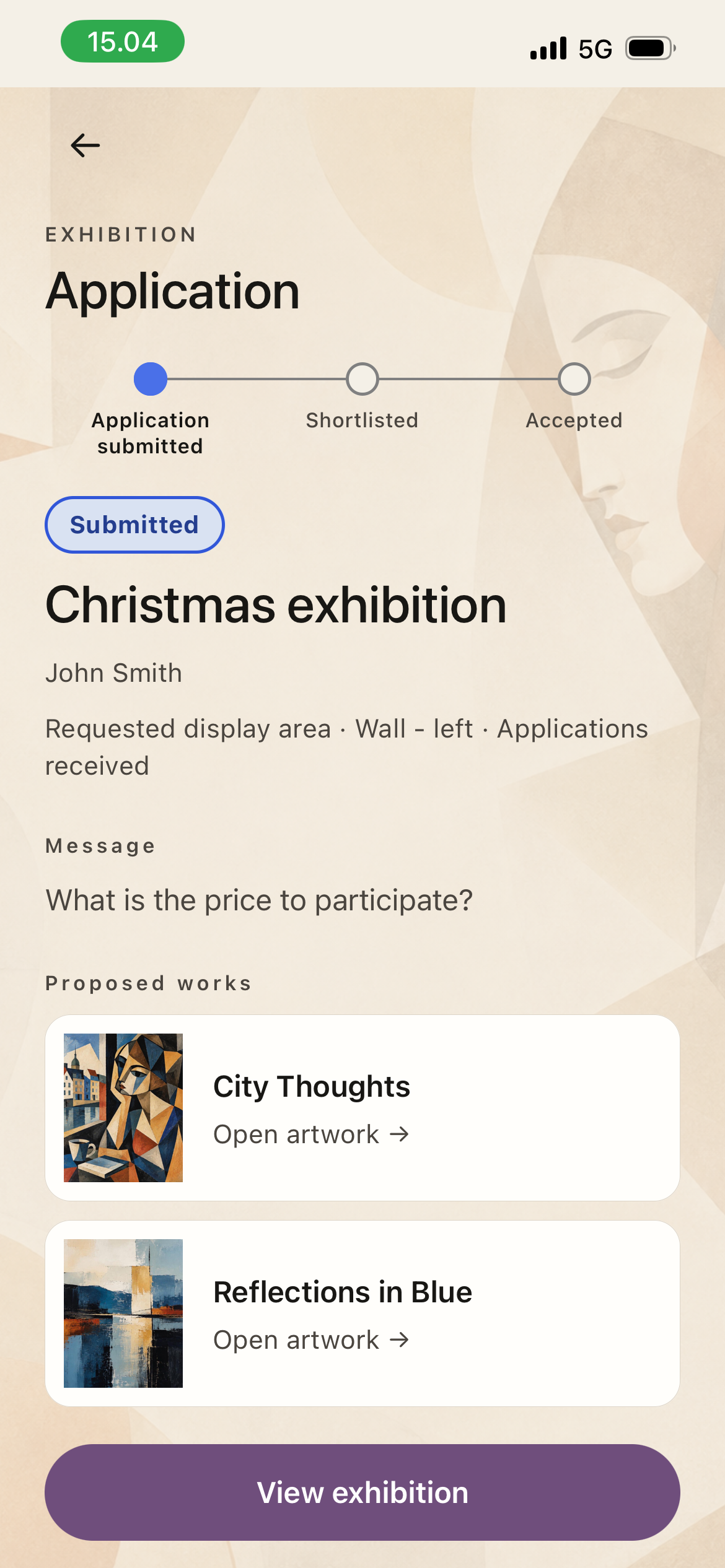
When an exhibition is open for applications, choose the display area, propose suitable artworks and add a message. You can return to the application to follow its status.
Create the Place and its display areas, publish exhibitions, then review applications from artists.
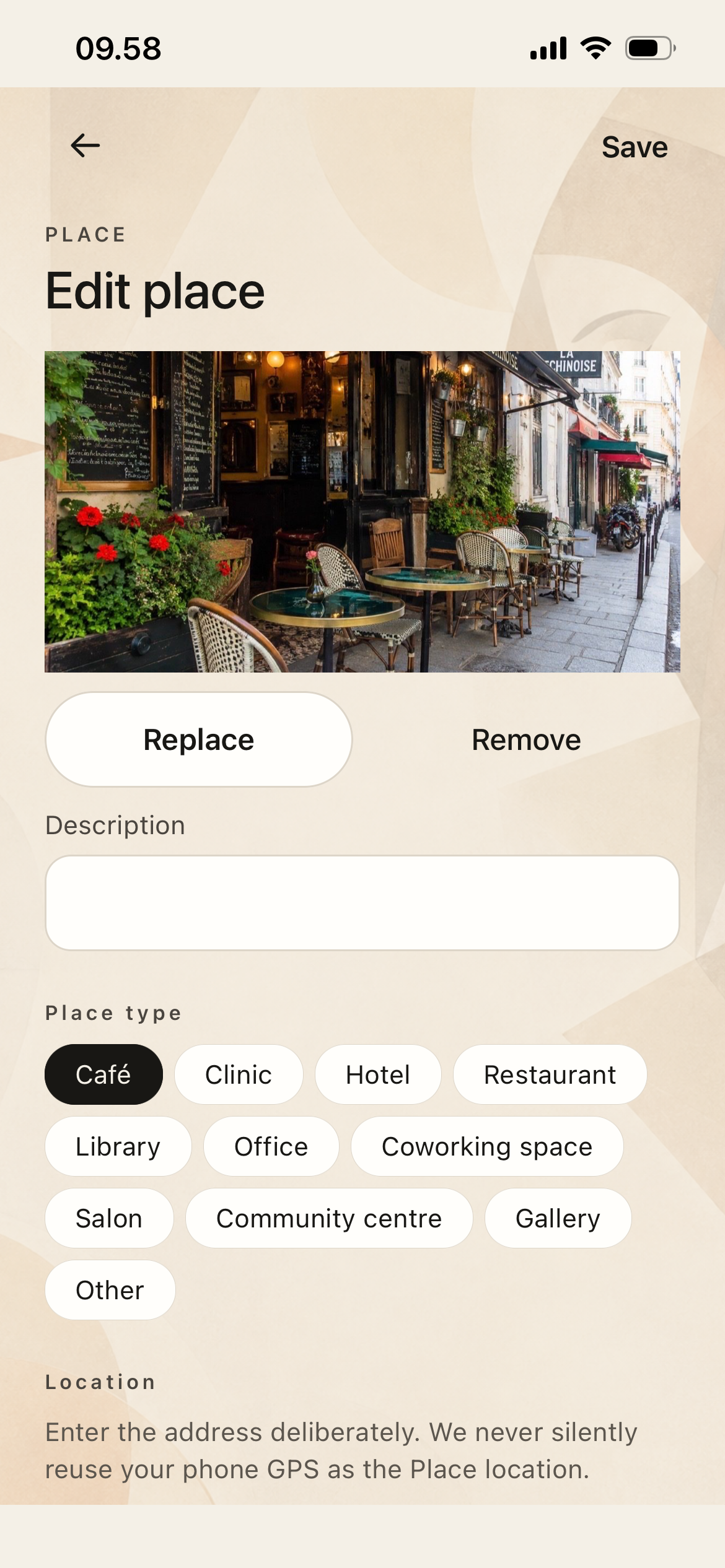
Set up the Place with its type, images, description and address. Use the real Place address deliberately rather than relying on the phone location.
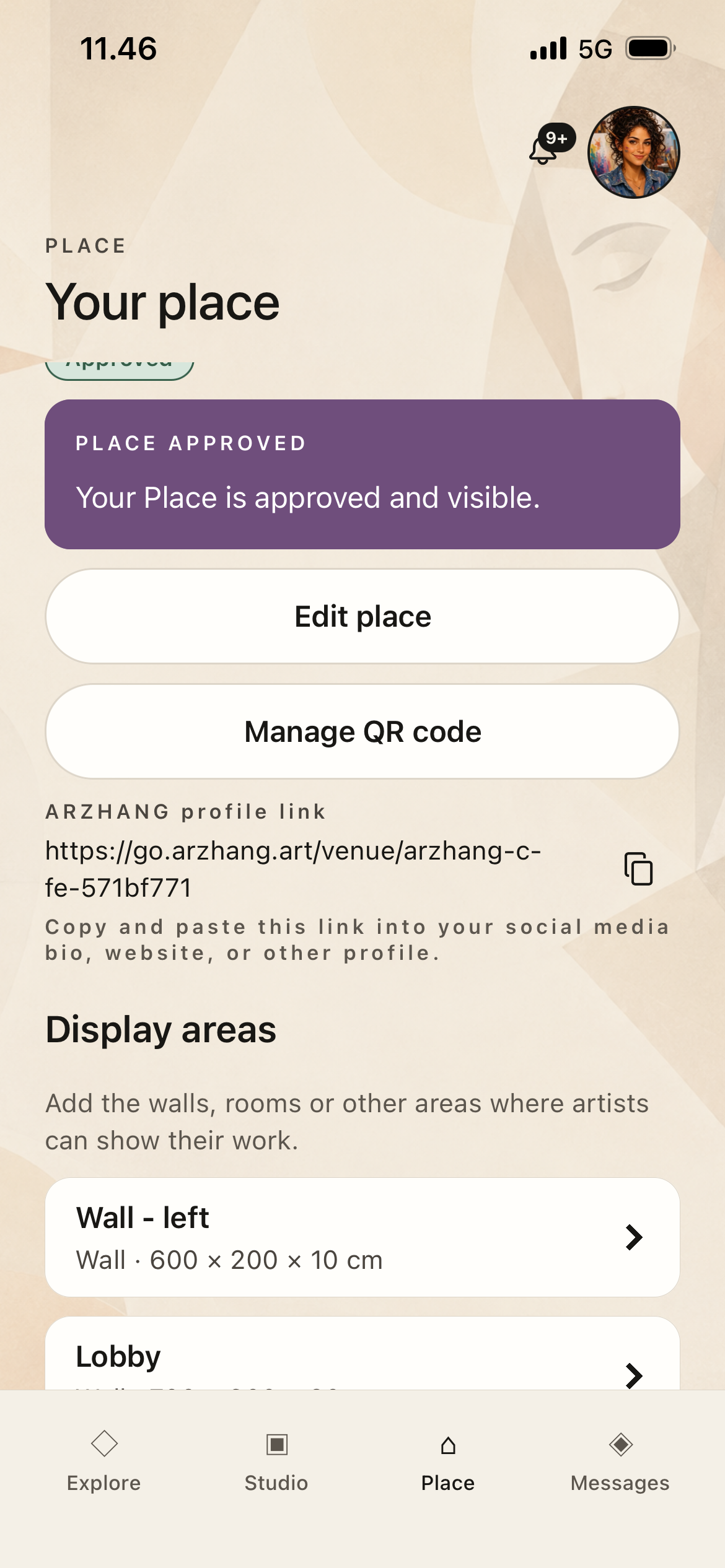
Create the walls, rooms or other areas where art can be displayed. Display-area dimensions help artists understand where their work may fit.
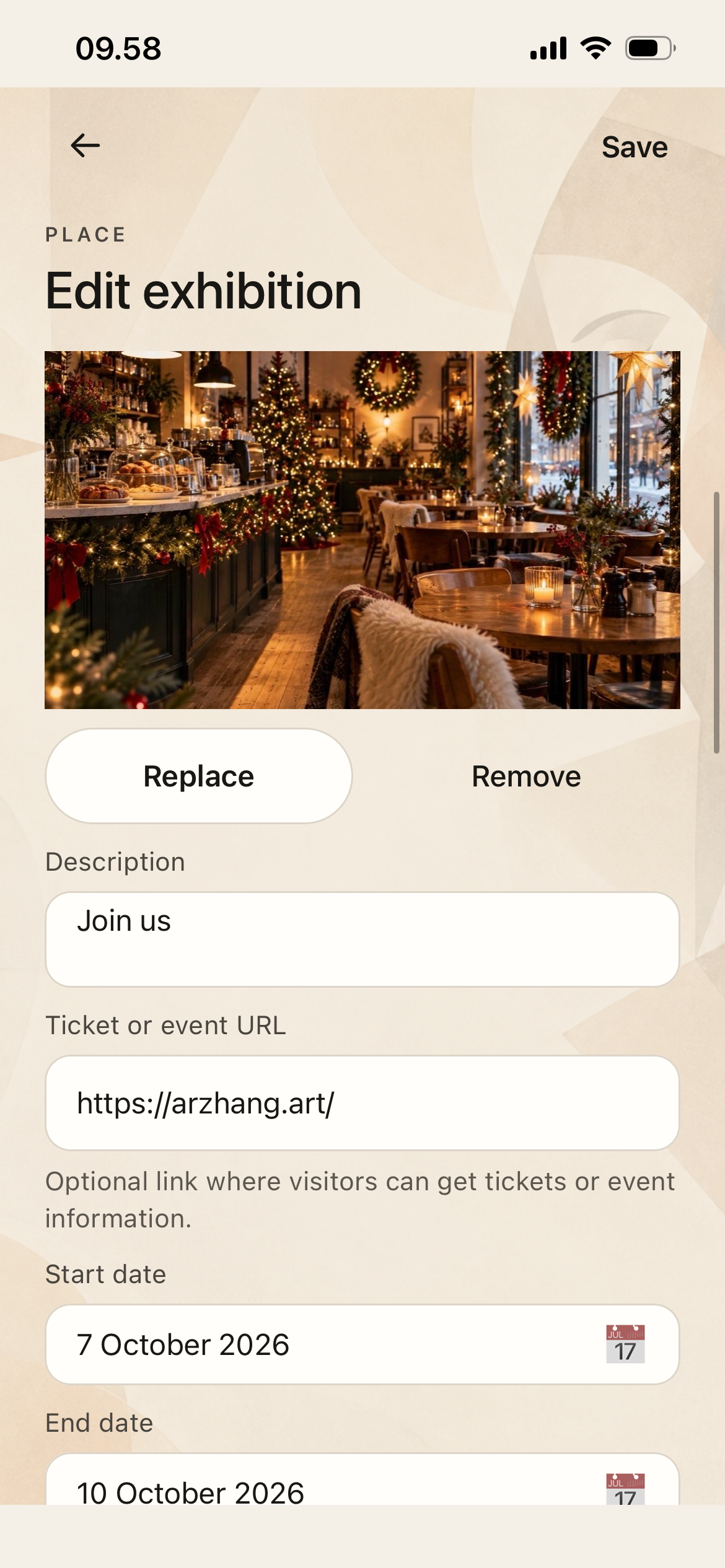
Define the exhibition dates, image, description, optional event link and the display areas available to artists. Publish when the opportunity is ready for applications.
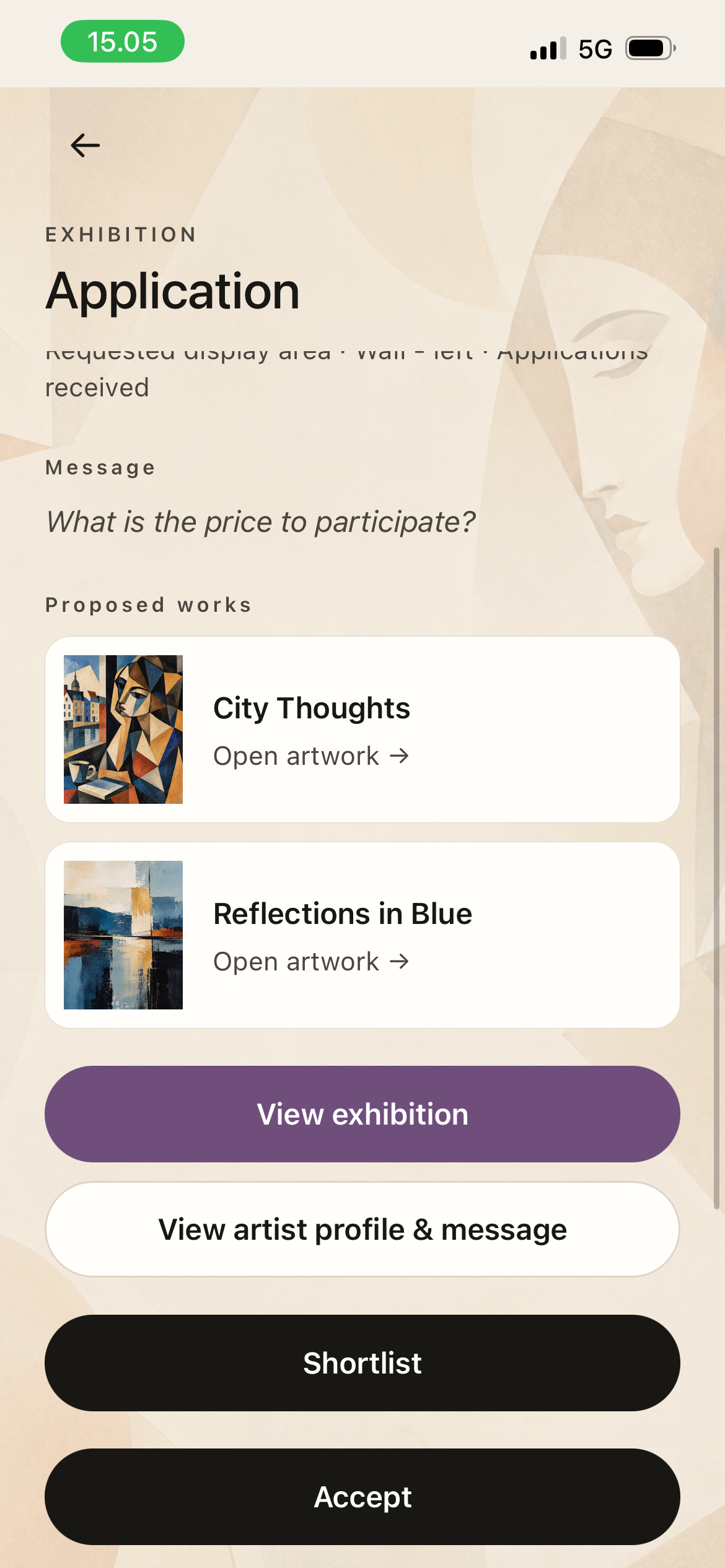
Open received applications to review the artist message and proposed works. You can shortlist or accept an application; accepted artists can then coordinate directly with the Place.
ARZHANG helps buyers and artists connect and track a purchase request, but the agreement, payment, inspection, collection or delivery, and any refund or cancellation are arranged directly between the parties. ARZHANG does not process artwork payments or verify that payment or delivery happened.
Before paying, independently verify the other party and the agreed price and terms. Where practical, inspect the artwork in person and meet in a safe and appropriate place. If shipping is used, agree on condition, packing, tracking, insurance, delivery, returns and refunds in advance.
If something goes wrong, contact the other party first. You can report fraud, abuse, safety concerns or misuse of ARZHANG to us, but ARZHANG does not arbitrate private payment, delivery, authenticity or refund disputes between users.
For sign-in, verification or account questions, contact support@arzhang.art.
You can review our Privacy Policy or start an account deletion request online.
Email us at support@arzhang.art. Please do not send passwords, verification codes, full payment-card details or banking credentials.